Cleaning a Laser-Etched Granite Portrait Without Dulling the Image
headstone cleaning in Texas | headstone cleaning in New York
I’ll never forget the first laser-etched portrait I ruined. It was 2016, and I was in a tiny cemetary outside Elko, Nevada. The headstone had a beautifull photo of a young woman—her smile, her hair, even the lace collar on her dress. I thought I was being careful. I used a soft scrub brush and a little water. But I scrubbed in circles. Big mistake. When the water dried, the portrait looked like someone had smeared Vaseline over her face. The dark laser etching had gone patchy and gray. I sat on the grass for ten minutes, just staring at my work. Felt like I’d kicked a puppy.
Took me three tries over the next year to figure out what went wrong. Laser-etched portraits are fragile. They’re not carved into the stone—they’re burned into the surface with high heat, creating micro-fractures that hold dark pigment. If you scrub aggressively, you grind away those tiny bits of pigment. The image fades. Permanently. So if you’re here because you’ve got a loved one’s face on granite and you want to clean it without wrecking it, you’ve come to the right place. I’m Sarah, and I’ve learned the hard way. Let me save you the guilt trip.
What Makes Laser-Etched Portraits So Touchy?
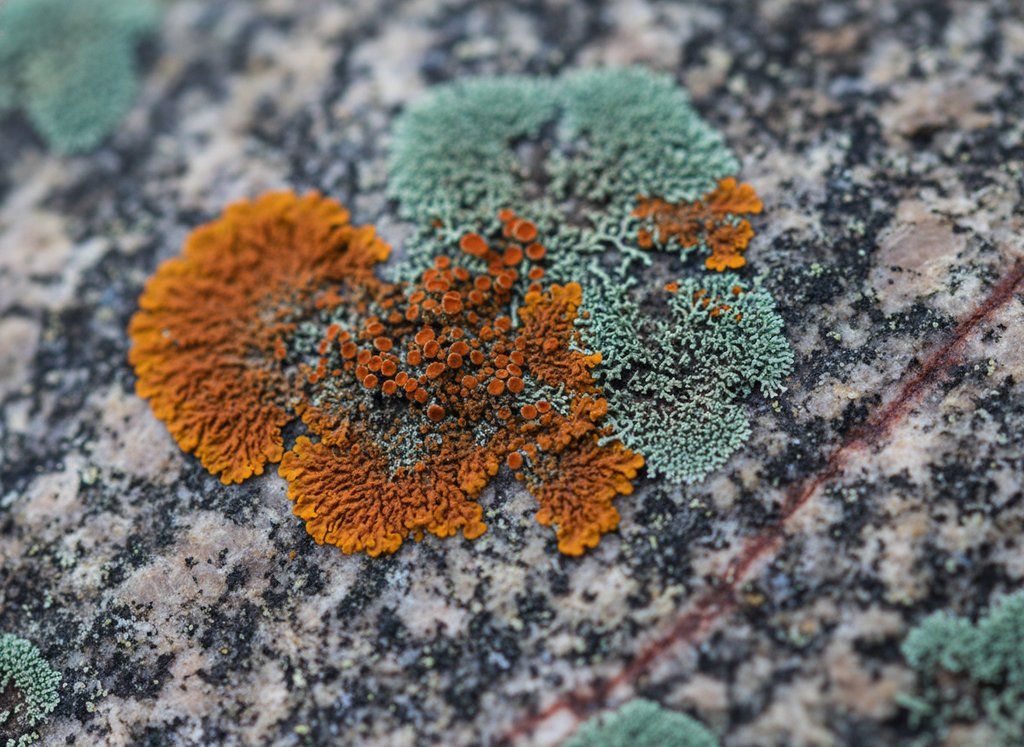
Here’s the technical bit, but I’ll keep it short. Laser etching doesn’t cut deep—it’s about 1/32 of an inch at most. The laser vaporizes the surface in tiny dots, creating a rough texture that traps dark pigment (usually a mineral-based powder). That’s what makes the photo look high-contrast. But that rough texture is also a sponge for dirt, moss, and algae. Problem is, if you scrub too hard, you flatten those micro-dots. You lose the texture. The image goes dull and milky.
I’ve seen people use wire brushes, steel wool, even sandpaper. Don’t. That’s like using a jackhammer to hang a picture frame. The pigment is only on the top layer—once it’s gone, it’s gone. No do-overs. So your job isn’t to “scrub” the portrait. It’s to gently lift the grime off without touching the etched grain itself.
The Only Cleaner I Trust (and One I Don't)
I’m a broken record about this on my blog, but I’ll say it again: D/2 Biological Solution is my go-to. It’s pH-neutral, non-ionic, and it kills biological growth (moss, lichen, algae) without eating into the stone. I buy it by the gallon from a monument supply shop. Costs about $60, but a gallon lasts me a year. You can also get it on Amazon—just make sure it’s the real D/2, not a knock-off.
What about dish soap? Look, I know people use it. But most dish soaps have degreasers and fragrances that leave a residue. That residue attracts dirt faster. Plus, if you don’t rinse perfectly, it can cloud the etched area. I’ve seen it happen. So stick with D/2 or a similiar stone-safe cleaner. Skip the bleach, skip the vinegar, skip the ammonia. Those are harsh household chemicals—they’ll strip the pigment right out of the etching. Just don’t.
My Step-by-Step Method (No Scrubbing Circles!)
Alright, here’s the process I use on every laser portrait. First, wet the entire headstone with plain water from a spray bottle. Keeps the stone cool and prevents the cleaner from drying too fast. Then mix D/2 with water per the label (usually 1:4 ratio). Spray it on the portrait area generously. Let it sit for 5 minutes—no more, or it can leave a film. While you wait, grab a soft-bristled brush. I use a boar-bristle brush from a hardware store, the kind for car detailing. Never nylon or plastic—they’re too stiff.
Now here’s the crucial part: you do NOT scrub in circles. Circles grind the pigment. Instead, work in straight lines, top to bottom, like you’re painting a fence. Light pressure—just enough to move the cleaner around. Then rinse with a gentle spray from a hose (no pressure washer—too strong). If you see dirt still stuck, repeat the process. I’ve done up to 4 passes on really grimy stones. After the final rinse, let it air dry. Don’t wipe it. Wiping can smear the wet pigment. Trust the air.
What About Sealing or Protecting the Image?
Short answer: don’t seal it. I get asked this alot—people think a clear coat will lock in the portrait. But granite is porous, and sealers trap moisture underneath. Over time, that moisture freezes and expands, causing the etching to flake off. I’ve seen a dozen portraits ruined by well-meaning family members with spray-on sealer. Just keep it clean with D/2 once a year, and it’ll last decades.
One more thing: if the portrait has gold or silver leaf (some newer ones do), don’t use any cleaner at all. Just wipe with a dry, soft microfiber cloth. Water will lift the leaf. That’s a whole different beast. But for standard laser-etched granite, the method above works. I did my grandmother’s portrait last spring—came out crisp as the day it was made. Felt like a small victory.
Frequently Asked Questions
Q: Can I use a magic eraser on a laser-etched granite portrait?
A: Please don’t. Magic erasers are melamine foam—they’re micro-abrasive. They work by sanding the surface. On a laser portrait, that means you’re sanding away the etched dots. I tested it once on a scrap piece of etched granite. After just 10 light swipes, the image lost 30% of it's contrast. Not worth it.
Q: How do I remove bird droppings from the portrait without damaging it?
A: Bird droppings are acidic, so you want to get them off fast but gently. First, soak the area with water for 2 minutes to soften the dropping. Then use a plastic putty knife (the kind for drywall) to scrape it off sideways—don’t dig into the etching. Follow with a light spray of D/2 and a soft brush in straight lines. Rinse well.
Q: My laser portrait has white cloudy patches after cleaning. What happened?
A: That’s usually from hard water mineral deposits or leftover cleaner residue. If you used tap water with high calcium, it can leave a film. Fix it by mixing distilled water with a tiny splash of white vinegar (like 1 teaspoon per cup of water). Spray it on, let it sit 30 seconds, then rinse with distilled water. But test on a hidden spot first—vinegar is acidic and can dull polished granite over time.
Q: Is it safe to use a pressure washer on a granite headstone with a laser portrait?
A: No. Pressure washers are too aggressive for any headstone, but especially for laser etching. The high-pressure stream can dislodge the pigment from the micro-fractures. I’ve seen it happen. Stick to a garden hose with a spray nozzle on the gentlest setting.
Q: How often should I clean a laser-etched portrait?
A: Once a year is plenty, unless you live in a humid area with lots of moss. I do mine every spring. Over-cleaning wears down the etching just from the friction of brushing. If you keep it lightly rinsed with water between cleanings, that helps a lot.